About this product
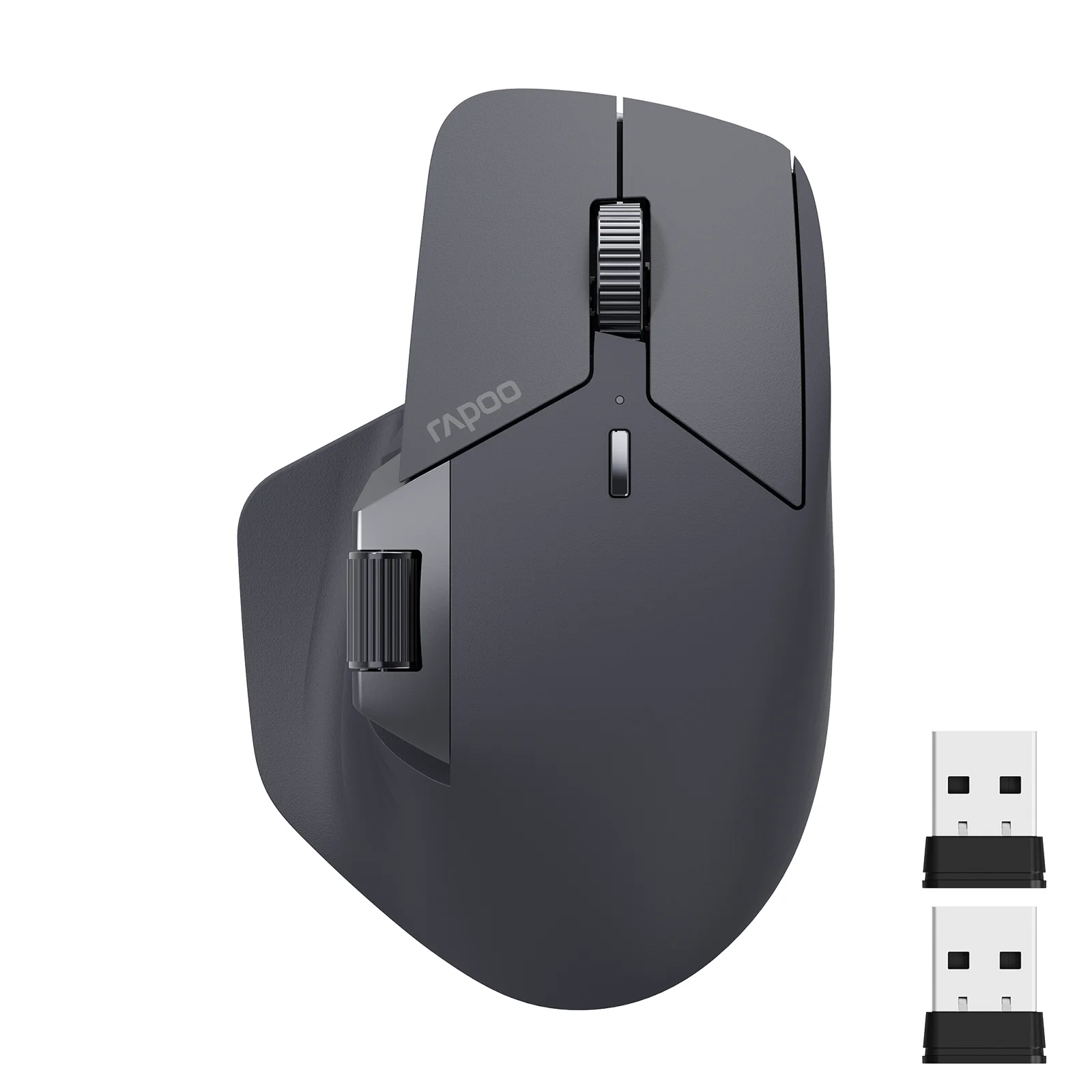
The Gator Cable wireless optical ergonomic mouse offers a reliable computer navigation experience for laptops, PCs, and Macs. Designed with a full size and a comfortable grip, this peripheral uses optical sensors to glide smoothly across your desk without requiring a mouse pad.
Highlights
- 2.4GHz wireless transmission with an operating distance of up to 33 feet
- Adjustable cursor speed of 800 and 1600 dpi
- Six keys including a scroll wheel, page forward, and page backward buttons
- Built-in mouse memory that retains settings after battery replacement
- Black and red color scheme with an ergonomic design for right-handed use
Connectivity and Performance
This wireless optical mouse utilizes a 2.4GHz transmission frequency and connects to your computer using a small USB receiver. The operating distance reaches up to 33 feet, letting you control your device from a comfortable distance. Low power consumption helps preserve battery life during everyday tasks.
The optical sensor records movement across almost any surface, meaning you can glide directly on your desk without a mouse pad. To install the device, simply connect the USB receiver while the mouse is turned off, then switch the mouse on to begin using it right away.
Design and Control Features
Built for everyday productivity, this full size peripheral features six keys that include a scroll wheel alongside dedicated page forward and page backward buttons for simple internet surfing. The cursor speed is adjustable between 800 and 1600 dpi to match your preferred navigation pace.
The physical dimensions measure 4.25 x 3 x 1.5 inches in length, width, and height, while the unit weighs 75g. The hardware also includes built-in mouse memory, which ensures that no recording is needed after you replace the batteries.
Power Requirements and Setup
Power is supplied by two AAA batteries, which are not included in the package. A low voltage alarm function alerts you when the power runs low. The USB receiver can be conveniently stored inside the battery compartment when it is not in use.
The package includes one wireless optical mouse and one USB receiver. Always make sure to follow the initial installation sequence by connecting the receiver while the power switch is in the off position.
Questions shoppers ask
Are batteries included with the mouse?
No, the mouse requires two AAA batteries which are not included in the package.
How do I install the wireless mouse?
Keep the mouse turned off, connect the USB receiver into your computer, and then turn the mouse on.
What is the operating distance of the wireless connection?
The wireless transmission supports an operating distance of up to 33 feet.
Can I use this mouse without a mouse pad?
Yes, the optical sensor allows you to glide across almost any surface without needing a mouse pad.
Fashnal wrote this description from eBay's listing with the help of AI and checked it against that listing. Sizes, colours and stock can change, so check them at the store before you buy.