
Computers & Accessories
Compare prices on computers & accessories: 43 products from 2 offers, from $3.25 to $83.69. Every product page shows its offers cheapest first, and you buy on the store's own website.
4 offers
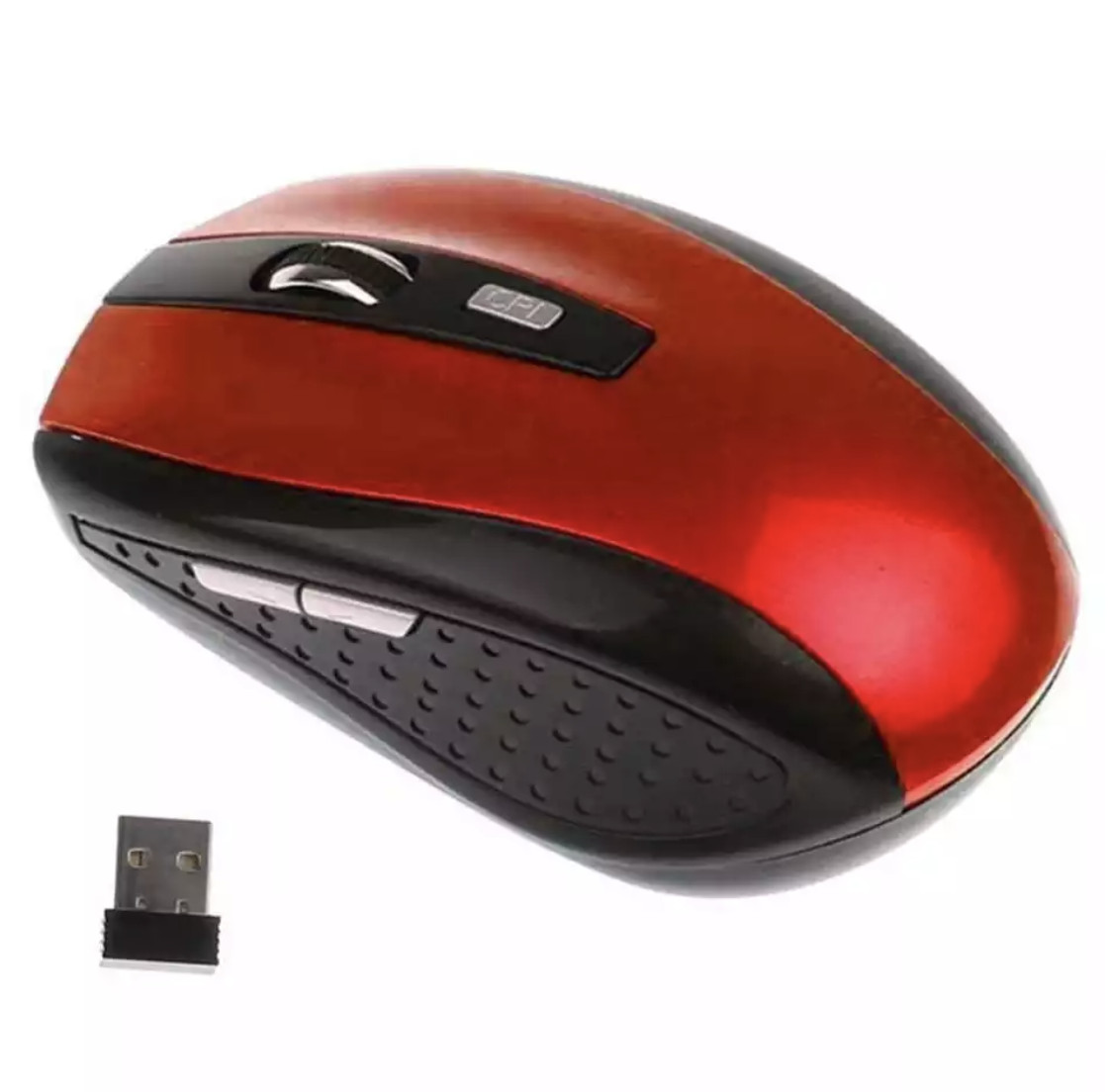
2.4GHz Wireless Optical Mouse Mice & USB Receiver For PC Laptop Computer DPI USA
Compare 4 offers
from $5.85


-50%


2 offers

Ultra Slim Wireless Keyboard and Mouse Combo, Silent Compact Keyboard Mouse Set
Compare 2 offers
from $25.99
-55%

-58%


-53%
-58%

2 offers

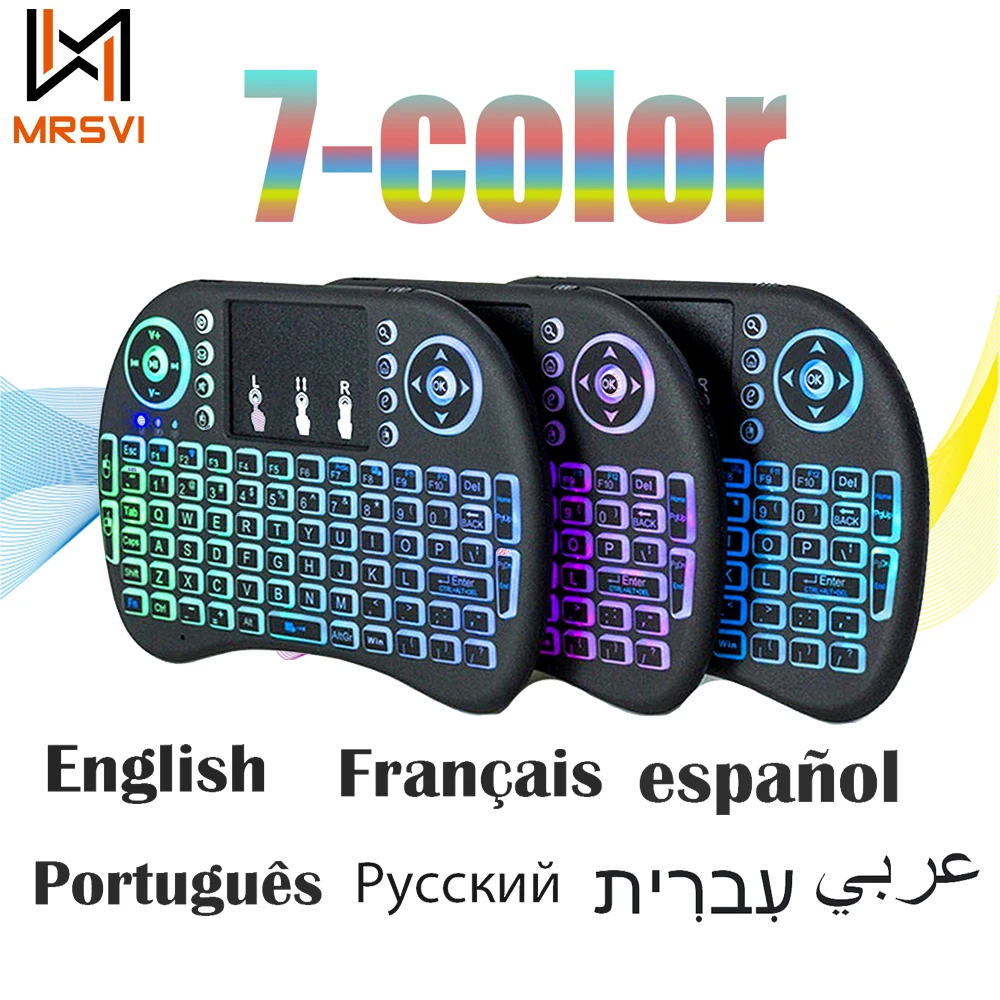
Backlight Wireless Keyboard and Mouse Combo, Silen t& Slim Light up keyboard Set
Compare 2 offers
from $27.52
-52%
-53%


Buying guide: Computers & Accessories
Computers and accessories encompass a wide variety of hardware, peripherals, and tools designed to enhance your digital workspace, gaming setup, or everyday office productivity. From essential input devices like mechanical keyboards and ergonomic mice to vital networking equipment, storage solutions, and computer parts, these products ensure your system runs smoothly and efficiently. Whether you are upgrading your desktop computer, outfitting a laptop for travel, or building a custom PC from scratch, finding the right components is key to a seamless user experience.
Different peripherals serve unique purposes, ranging from high-performance gaming gear with customizable switches and adjustable DPI sensors to sleek, quiet keyboard and mouse combos built for open office environments. Specialized accessories like storage bags, cooling pads, and cable management tools help protect your hardware and keep your desk organized. On Fashnal, shoppers compare these products and their prices from several stores side by side.
What to look for
- Identify your primary use case, such as competitive gaming, office typing, or casual browsing, to determine whether you need specialized features like mechanical switches or silent buttons.
- Check compatibility with your operating system and device ports, ensuring the hardware supports wired, Bluetooth, or wireless 2.4GHz connectivity as needed.
- Look for ergonomic designs and proper sizing to ensure comfort during long hours of computer use.
- Inspect material quality, such as durable keycap plastics, braided cables, and reinforced storage case shells, for long-lasting durability.
- Follow manufacturer guidelines for cleaning peripherals, such as using compressed air for keyboards and gentle wipes for mice.
Questions shoppers ask
What is the difference between membrane and mechanical keyboards?
Membrane keyboards use a rubber dome under the keys for a softer, quieter keystroke, whereas mechanical keyboards use individual physical switches for each key, offering tactile feedback, faster actuation, and greater durability.
How do I choose the right computer mouse for my hand size and grip style?
Consider the physical dimensions of the mouse and your preferred grip style, whether palm, claw, or fingertip. Lightweight mice with adjustable DPI settings are generally preferred for gaming, while ergonomic shapes reduce fatigue during office work.
Are wireless computer accessories as reliable as wired ones?
Modern wireless peripherals utilize advanced 2.4GHz connections or low-latency Bluetooth technology, offering performance and responsiveness that rival traditional wired devices while reducing desk clutter.
Written with the help of AI by Fashnal from what this category holds; prices and offers above are live.