
Mice & Pointing Devices
Compare prices on mice & pointing devices: 17 products from 2 offers, from $3.25 to $53.79. Every product page shows its offers cheapest first, and you buy on the store's own website.
4 offers

2.4GHz Wireless Optical Mouse Mice & USB Receiver For PC Laptop Computer DPI USA
Compare 4 offers
from $5.85


-50%


-58%

-29%

-52% 2 offers
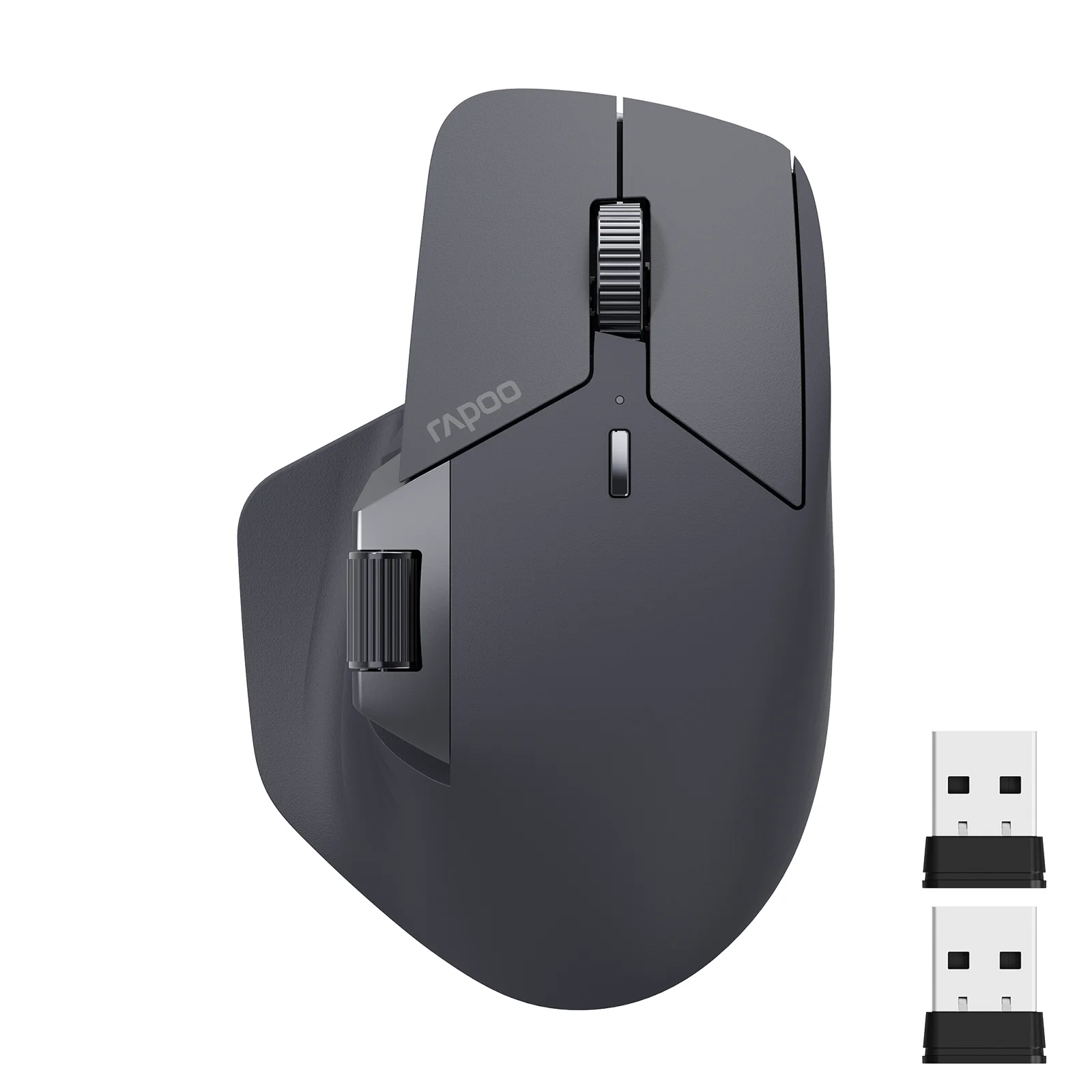
Rapoo MT760L/MT760M Multi-mode Rechargeable Wireless Mouse Ergonomic 4000 DPI Support Up to 4 Devices Bluetooth Mouse
Compare 2 offers
from $38.09
$79.78
-20% 2 offers

2 Wireless Optical Mouse Mice 2.4GHz USB Receiver For Laptop PC Computer DPI USA
Compare 2 offers
from $8.89
$11.11
-55%
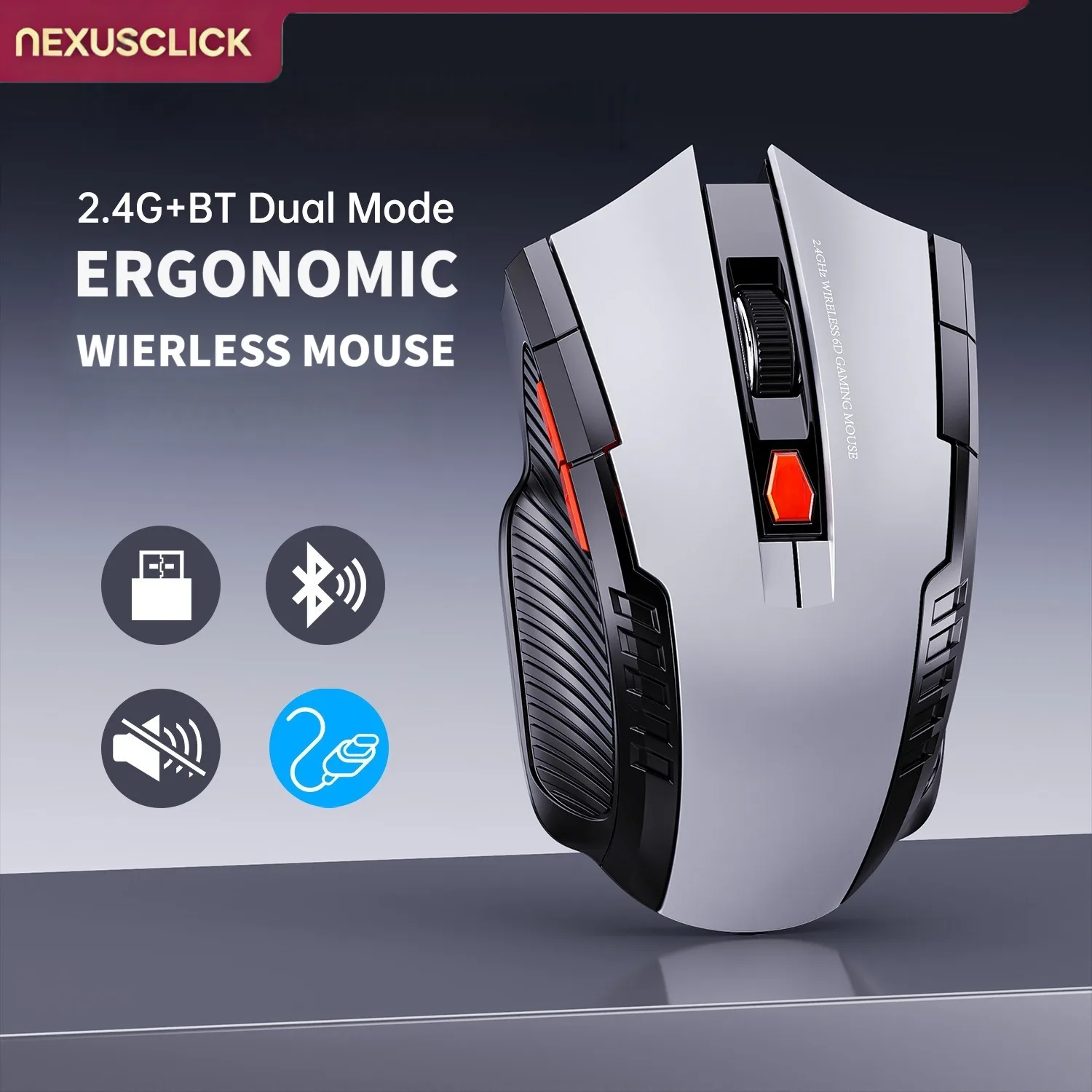
-51%

-58%
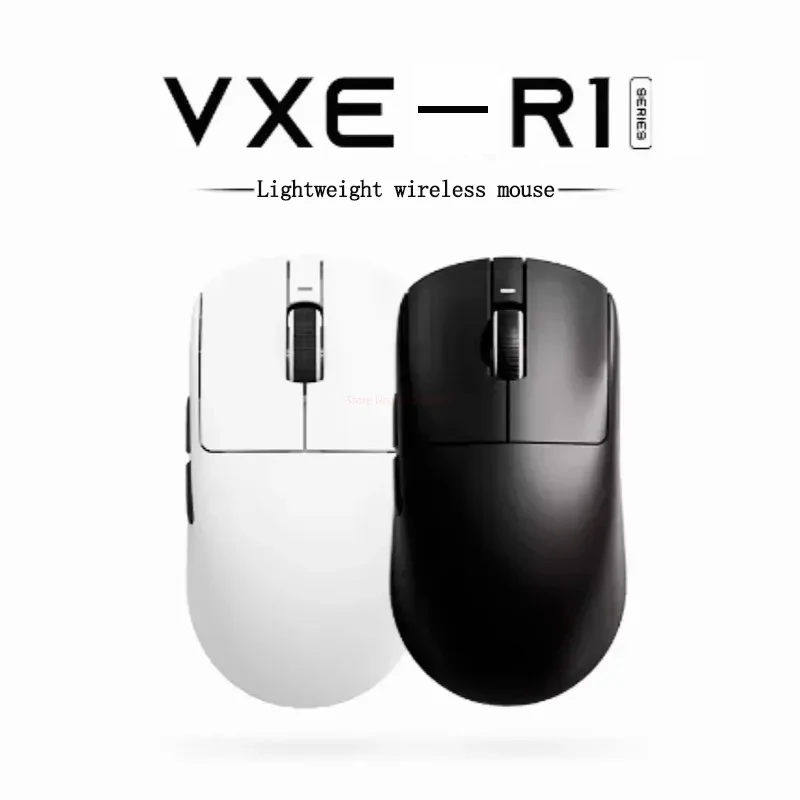
2 offers

2.4GHz Wireless Cordless Optical Mouse Mice +USB Receiver for PC Laptop
Compare 2 offers
from $17.50

Buying guide: Mice & Pointing Devices
Mice and pointing devices are essential computer accessories designed to help users navigate operating systems, edit documents, browse the web, and play games with precision and ease. From standard optical office mice and compact wireless travel models to lightweight gaming mice with advanced sensors and multi-device Bluetooth capabilities, the right pointing device improves both productivity and comfort during daily computer use.
Beyond traditional desktop designs, specialized pointing devices include air mice with built-in keyboards and touchpads for home entertainment systems, as well as ergonomic vertical options and grip tape accessories tailored for long work sessions. Choosing the correct type depends on your specific computing setup, hand size, and whether you prioritize wireless convenience, ultra-low latency gaming performance, or portable versatility.
On Fashnal shoppers compare these products and their prices from several stores side by side.
What to look for
- Consider your primary use case, choosing lightweight sensors for gaming or ergonomic shapes for daily office work.
- Decide between 2.4GHz wireless USB receivers and Bluetooth connectivity based on your computer ports and device switching needs.
- Check for adjustable DPI settings to control cursor sensitivity and movement speed across different screen resolutions.
- Look for comfortable grips, textured surfaces, and quiet click switches if you work in shared or quiet environments.
- Read specifications to ensure compatibility with your operating system, whether using Windows, Mac, or mobile devices.
Questions shoppers ask
What is the difference between a gaming mouse and an office mouse?
Gaming mice typically feature high-precision sensors, faster polling rates, and programmable buttons for quick responses, whereas office mice focus on comfort, quiet clicks, and power efficiency for everyday tasks.
Should I choose a Bluetooth mouse or a 2.4GHz wireless mouse with a USB receiver?
Bluetooth mice connect directly to devices without using a USB port, making them ideal for laptops and tablets, while 2.4GHz models with a USB receiver offer a reliable plug-and-play connection with minimal latency.
How do I know what size mouse to buy?
Measure your hand length and palm width to match with ergonomic specifications, ensuring your hand rests comfortably without straining your fingers during extended computer use.
Written with the help of AI by Fashnal from what this category holds; prices and offers above are live.