About this product
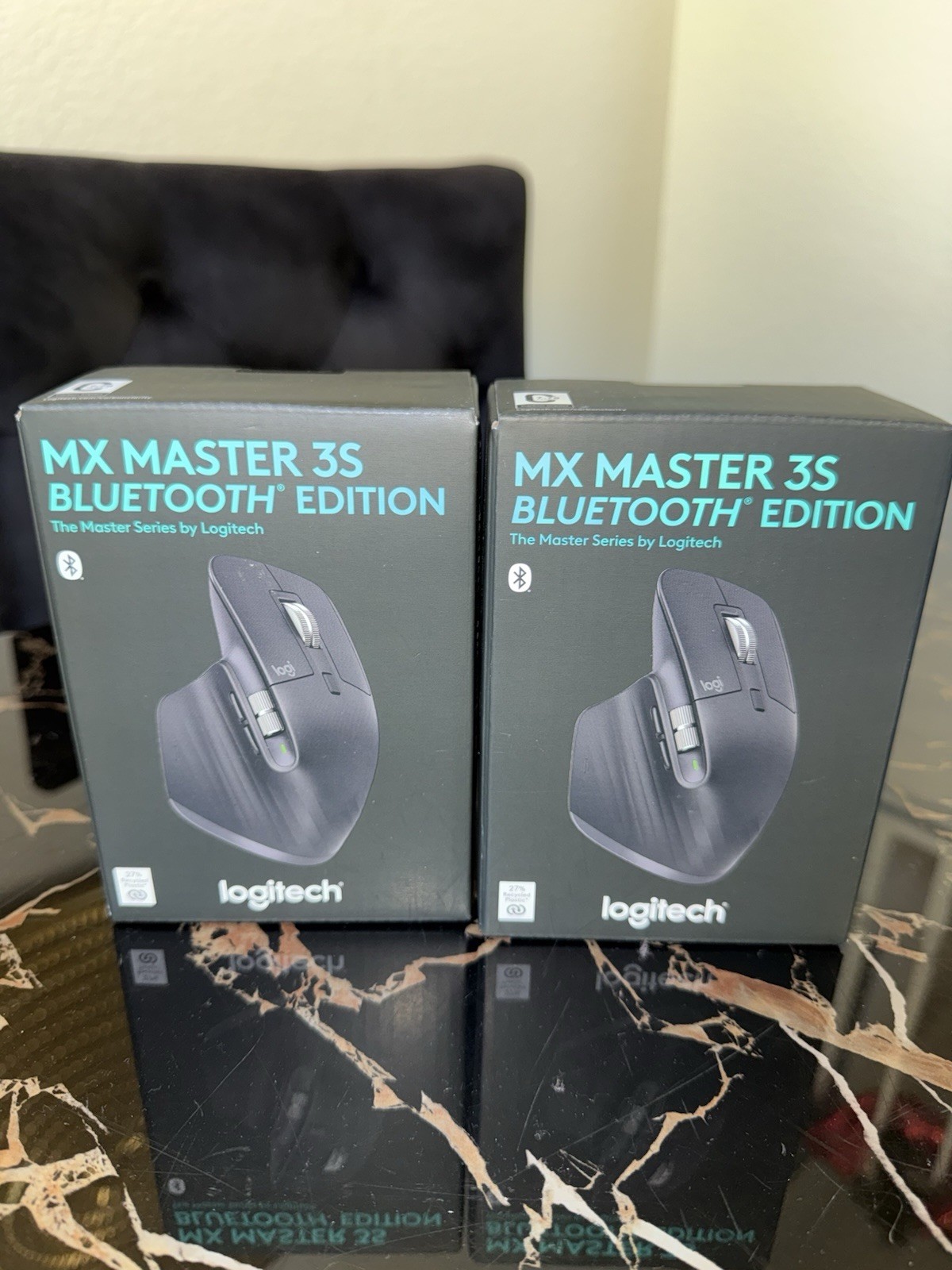
The Logitech MX Master 3S Wireless Mouse in black is designed for precision, comfort, and efficiency during daily computer use. It suits professionals, creators, and everyday users who require reliable wireless connectivity and customizable controls.
Highlights
- Logitech brand MX Master 3S model
- Standard wireless mouse design in black
- Optical tracking method with up to 8000 maximum DPI
- Seven programmable buttons for customized workflows
- Bluetooth edition wireless connectivity
Design and Control
This standard wireless mouse features a sleek black finish that integrates cleanly into any desk setup. Built for daily productivity, it includes seven buttons that can be programmed to suit your specific software shortcuts and daily tasks.
The optical tracking method provides smooth cursor control across various flat surfaces. With a maximum DPI of 8000, you can adjust tracking sensitivity to match your display resolution and personal preference for speed and accuracy.
Connectivity and Compatibility
The Bluetooth edition allows for a cable-free workspace, connecting directly to compatible computers and laptops without the clutter of wires. Wireless functionality ensures you can easily pack the device into a bag for mobile work setups.
When setting up a new wireless mouse, ensure your computer has Bluetooth enabled and follow standard pairing procedures. Keeping the device charged and maintaining a clear connection path will help prevent input lag during use.
Care and Maintenance
To keep your wireless mouse functioning properly, clean the exterior periodically with a soft, slightly damp cloth. Avoid harsh chemical cleaners or submerging the device in liquid.
Keep the optical sensor on the underside free from dust and debris to maintain consistent tracking performance. When not in use for extended periods, turning off the power switch can help conserve battery life.
Questions shoppers ask
What is the maximum DPI of this mouse?
The maximum DPI is 8000, allowing for adjustable cursor sensitivity.
How many buttons does the mouse have?
It features seven buttons, which are programmable for various tasks.
What type of connectivity does it use?
This is a wireless mouse utilizing Bluetooth connectivity.
Does the listing specify battery life or dimensions?
The listing does not state battery life specifications or physical dimensions; please check the store listing for any additional details.
Fashnal wrote this description from eBay's listing with the help of AI and checked it against that listing. Sizes, colours and stock can change, so check them at the store before you buy.